13: AI Native Product Design: Making Probabilistic Systems Feel Reliable

This is the thirteenth post in the “Understanding LLMs from First Principles” series. Post 12: LLM Engineering explained KV cache, inference cost, concurrency, observability, and deployment systems. Now we move up to the product layer: if an LLM is a probabilistic generator, but real products need stable, controllable, explainable experiences, how should AI native products be designed?
Across the first twelve posts, we moved from the bottom of the stack to production systems:
Tokens
↓
Next-token prediction
↓
Transformer and attention
↓
Training, alignment, inference
↓
RAG, Tool Use, Agents
↓
KV cache, cost, deployment, observability
But once LLMs enter real products, a harder problem appears:
The model is probabilistic.
The user needs a reliable experience.
The model can generate many possible answers.
The user wants to know:
Can this be done?
How far can it go?
Can I trust the result?
When do I need to confirm?
Can mistakes be recovered?
Can I undo it?
Will it overstep its permissions?
This is the central tension of AI native product design.
It is not about putting a chat box into a product.
It is not about replacing every button with a prompt.
It is about this:
How do we turn an uncertain probabilistic generation system
into a task system users can understand, control, trust, and reuse?
This post follows that thread.
1. AI Native Does Not Mean “Add a Chat Box”
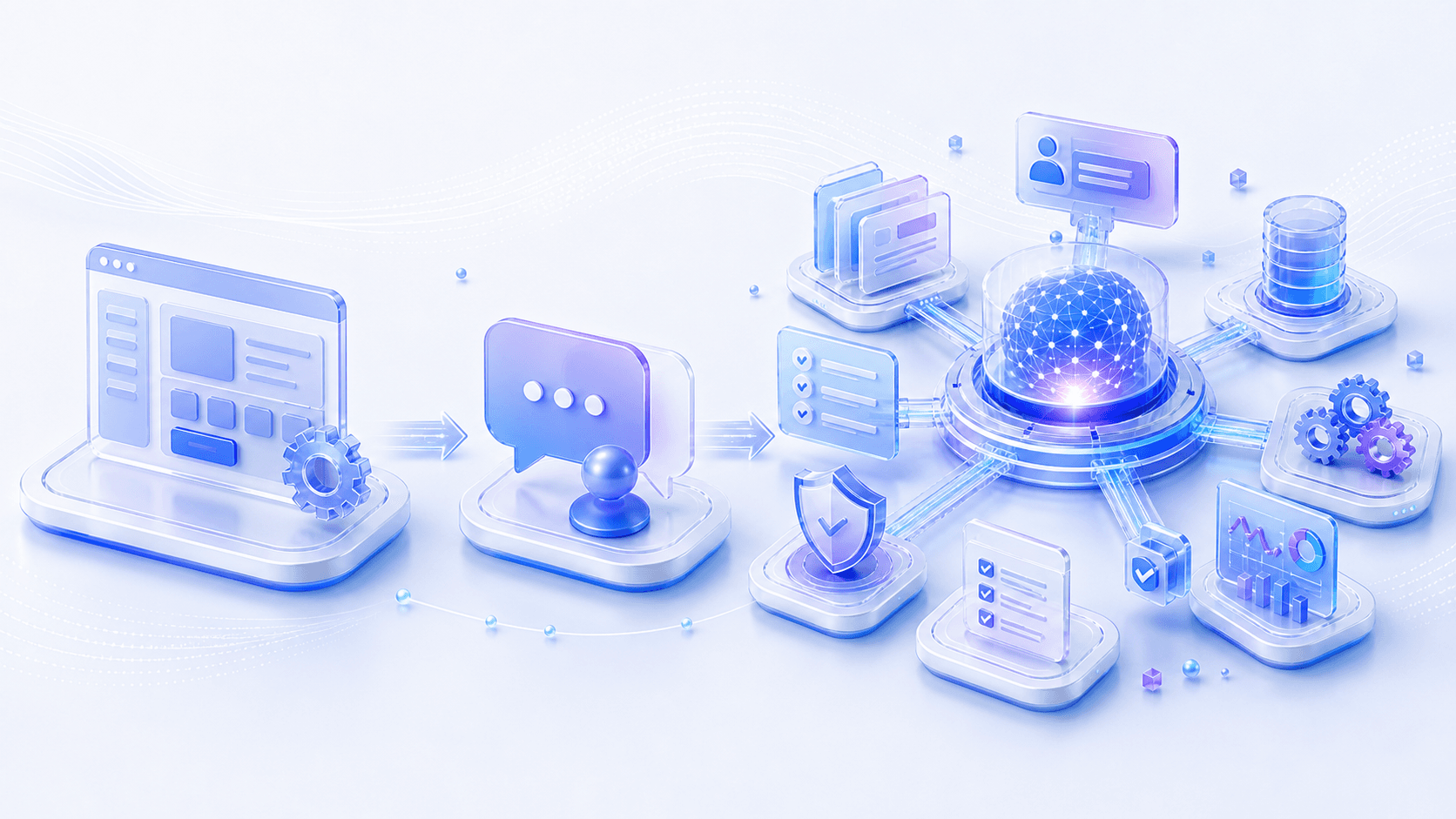
When many products first adopt LLMs, the first idea is natural:
Add an AI chat entry point.The user asks a question. The model answers.
That can be valuable.
But it is not automatically AI native.
A chat box is an interaction format, not a product paradigm.
From first principles, whether a product is AI native does not depend on whether it has a chat interface. It depends on whether AI changes how the product completes tasks.
Traditional software usually looks like this:
The user understands the interface.
↓
The user decomposes the task.
↓
The user clicks features.
↓
The system executes deterministic rules.
↓
The user checks the result.
An AI native product is closer to this:
The user expresses a goal.
↓
The system understands intent.
↓
The system assembles context.
↓
The model generates candidate solutions.
↓
Tools or workflows execute.
↓
The system validates the result.
↓
The user confirms, edits, or takes over.
Notice the shift.
The user is no longer only navigating features.
The user starts handing goals to the system.
The system is no longer only responding to button clicks.
The system starts participating in task decomposition, context preparation, solution generation, action execution, and result validation.
So the key question is not:
Does this product have an AI input box?It is:
Has the basic unit of the product moved from feature operation to goal-directed task?That changes almost every design question.
2. First Principle: Probabilistic Core, Reliable Shell

At the bottom, an LLM predicts a probability distribution over the next token given the context.
That means it is not a deterministic function in the traditional software sense.
The same input may produce different outputs under a different temperature, context, or model version.
That is not a bug.
It is the nature of generative models.
But a product cannot pass that uncertainty directly to the user.
Users do not care how many possible paths exist inside the model.
They care about this:
Can I safely hand this step to you?So the first principle of AI native product design is:
The model generates possibilities.
The product defines boundaries, controls risk, validates results,
and delivers a reliable experience.
Shorter:
Probabilistic core, reliable shell.The “reliable shell” does not mean pretending the model is always correct.
It means the product must answer a set of boundary questions:
Capability boundary: what can the system do, and what can it not do?
Input boundary: what must the user provide, and what context will the system add?
Output boundary: what format will the result take, and can it be edited?
Evidence boundary: which claims have sources, and which are suggestions?
Action boundary: which actions can run automatically, and which need approval?
Responsibility boundary: how are errors explained, undone, and recovered from?
If these boundaries are unclear, AI products feel anxious.
Users do not know whether the system will act unexpectedly.
They do not know when to trust it.
They do not know how to recover from failure.
So an AI native product is not first a “smarter input box.”
It is a product contract:
These are the tasks I can help with.
This is the context I will use.
These are the steps where I will ask for confirmation.
This is how I will show evidence and uncertainty.
This is how you can edit, undo, and take over.
The clearer this contract is, the more willing users become to delegate tasks.
3. From Commands to Intent: Users Do Not Want to Write Prompts, They Want Things Done
In traditional software, user input is often command-like.
For example:
Click Export.
Choose PDF.
Filter the past 30 days.
Sort the table by revenue.
The user needs to know where the feature is and how to operate it.
LLMs change this because users can express intent directly:
Help me summarize why sales were abnormal this month.
Turn these meeting notes into an email for the customer.
Find the user feedback issues most worth prioritizing.
Generate an actionable engineering task breakdown from this PRD.
This looks like prompting.
But from a product perspective, it is not really a prompt.
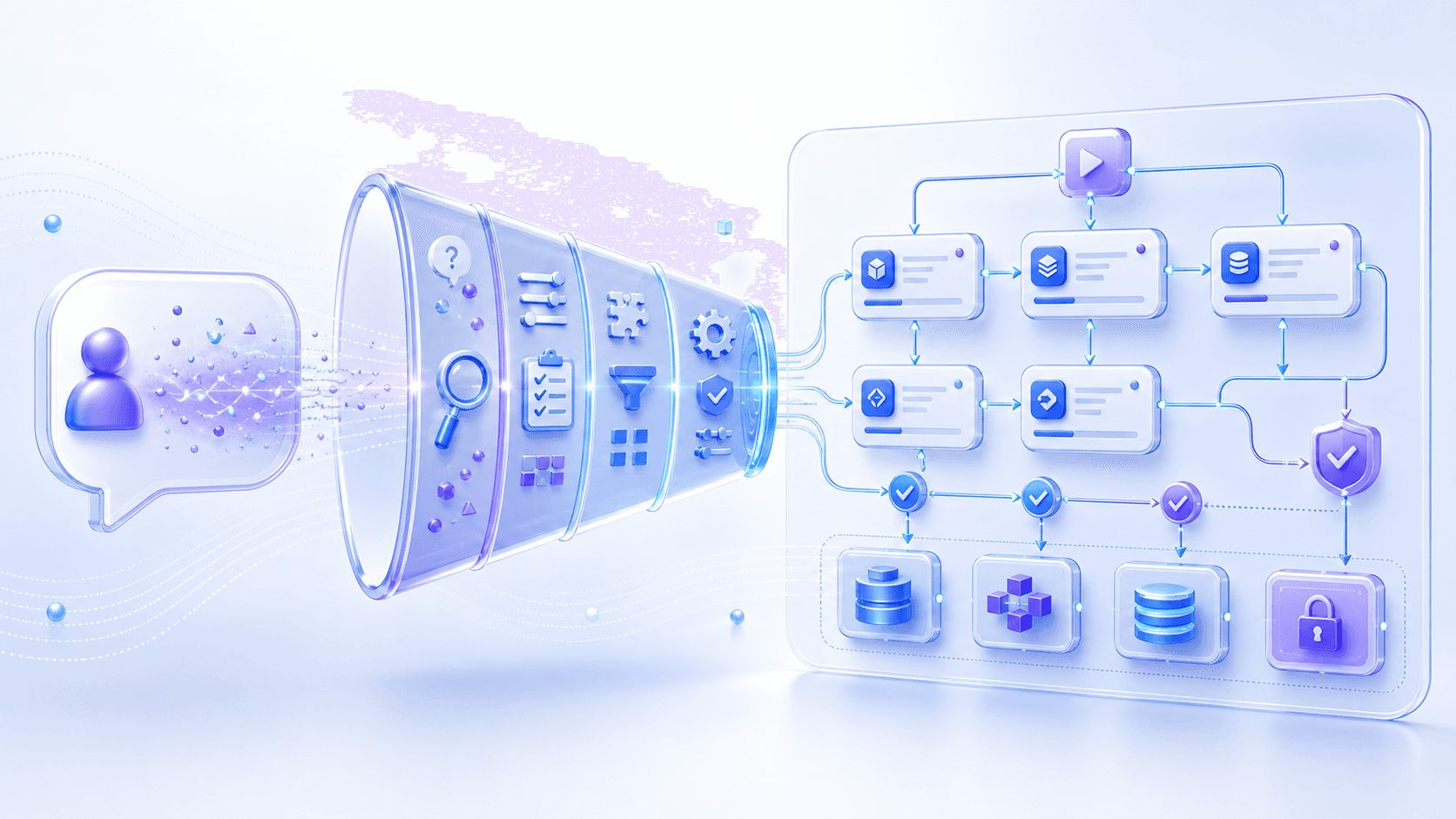
It is task intent.
Users do not really want to become better prompt writers.
They want:
The system to understand what they are trying to accomplish
and turn a vague goal into executable steps.
Therefore, an AI native product should not make prompt-writing skill the entry ticket.
A good product helps users do three things:
Express the goal.
Clarify constraints.
Fill in missing information.
Suppose a user says:
Help me write a growth analysis.The system should not immediately generate a polished report with unclear data behind it.
It should first detect what is missing:
Which product?
What time range?
Which core metric?
Compared with which period?
Who is the audience?
Conclusion-first or process-heavy?
Can business data be read?
The product design point is not merely to make the model ask more questions.
It is to turn vague intent into an executable task specification:
Goal
Inputs
Constraints
Data sources
Output format
Acceptance criteria
Execution permissions
That is the difference between an AI native product and an ordinary chatbot.
A chatbot answers one utterance.
An AI native product turns one utterance into a task that can move forward.
4. Context Is Interface: What the Model Sees Is What the Product Becomes

In traditional software, the interface is mostly buttons, forms, menus, pages, and state.
In AI native products, there is a new interface layer:
Context.The user may see one input box.
The model may actually see:
System prompts
Current page content
Selected text
Uploaded files
Conversation summaries
User preferences
Company knowledge bases
Retrieved evidence
Tool results
Permission and safety rules
So designing an AI product is not only designing what the user sees.
It is also designing what the model sees.
This is critical.
The same model becomes a very different product under different context.
If the context only contains one user sentence, it behaves like a general chatbot.
If the context contains the current document, comments, revision history, and writing goal, it behaves like a writing assistant.
If the context contains customer profiles, contracts, historical tickets, and permission rules, it behaves like a customer success assistant.
If the context contains a codebase, test results, issues, and deployment logs, it behaves like an engineering agent.
AI native product design therefore has to answer:
Which context should be included automatically?
Which context should the user explicitly select?
Which context should the model never see?
How should context be summarized, trimmed, and ranked when it is too long?
Which evidence should be shown to the user?
Which memories can be stored long term?
How can users inspect, edit, and delete those memories?
There is one important principle:
The more automatic context becomes, the more permissions and explainability matter.If the system quietly reads a lot of information, users may feel uneasy.
If the system reads no context, the model becomes generic and shallow.
Good design builds trust in the middle:
Tell users what information was used.
Let users add and remove context.
Show sources next to important claims.
Check permissions before sensitive data enters the model.
Make memory storage visible.
Context is not a backend detail.
Context is the second interface of an AI product.
5. Control Design: More Automation Is Not Always Better

AI native products easily fall into one temptation:
If the model can do more, let it automate more.But in real products, more automation is not always better.
The stronger the automation, the more carefully user control must be designed.
This is especially true when the system can call tools, modify data, send messages, create orders, publish content, operate code, or affect money.
The product must make clear:
Which actions can run directly?
Which actions require preview?
Which actions require confirmation?
Which actions need approval?
Which actions must never run automatically?
We can think of AI automation in five levels:
| Level | System behavior | Suitable use cases |
|---|---|---|
| Suggest | Gives advice without changing anything | High-risk decisions, strategy analysis |
| Draft | Produces editable drafts | Writing, summaries, code suggestions |
| Execute after confirmation | Calls tools after user approval | Sending email, changing settings, submitting forms |
| Bounded execution | Runs automatically within rules | Low-risk repetitive work, batch processing |
| Autonomous execution | Plans and completes tasks continuously | Clear goals, reversible tasks, observable workflows |
The point is not the exact taxonomy.
The point is that the product must tell users which level they are in.
What users fear most is not that AI cannot automate things.
What they fear is not knowing whether AI will overstep.
So control design needs at least:
Preview: show what will happen before execution.
Confirmation: require authorization for critical actions.
Undo: make executed actions reversible when possible.
Pause: let long-running tasks stop.
Takeover: let users regain control from AI.
Audit: show what the system did afterward.
Permissions: set different boundaries for different users, tasks, and data.
The sophistication of an AI product does not come from being fully automatic.
It comes from:
Knowing when to act automatically
and when to stop and wait for a person.
6. Reliability Is a System Property, Not a Model Property

Many people equate AI product reliability with model capability.
The stronger the model, the more reliable the product.
That is only partly true.
More precisely:
Model capability defines the ceiling.
System design determines usability.
A strong model can still produce an unreliable product if context is messy, permissions are unclear, outputs are not validated, and tool failures are ignored.
A less powerful model can still be highly useful in a specific domain if task boundaries are clear, context is clean, outputs are structured, and actions are verifiable.
From the product-system perspective, reliability comes from at least seven layers:
Task boundary: promise only tasks that AI is suitable for.
Context quality: give the model correct, sufficient, not excessive information.
Structured output: make results checkable and reusable by software.
Evidence constraints: attach sources to important claims when possible.
Tool validation: use deterministic systems to check facts, format, and state.
Fallback: provide alternatives for low confidence, timeout, or tool failure.
Continuous evaluation: test and monitor with real task samples.
This is why AI native product design must be tied to engineering design.
For example, a contract review assistant cannot only have the model say “this clause is risky.”
It also needs to:
Mark the original text location.
Explain the risk type.
Reference internal policy or historical templates.
Offer an editable revision.
Distinguish confirmed issues from possible issues.
Let legal reviewers confirm.
Record final adoption.
Likewise, a data analysis assistant cannot merely generate beautiful conclusions.
It also needs to:
Show SQL or query logic.
State the data time range.
Flag missing data.
Separate facts, inferences, and recommendations.
Let users trace chart sources.
Show confidence boundaries around anomalies.
Reliability does not mean the model never makes mistakes.
Reliability means:
Mistakes happen less often.
Mistakes are easier to detect.
Mistakes are easier to recover from.
7. Interface Patterns: Chat Is Only One of Them
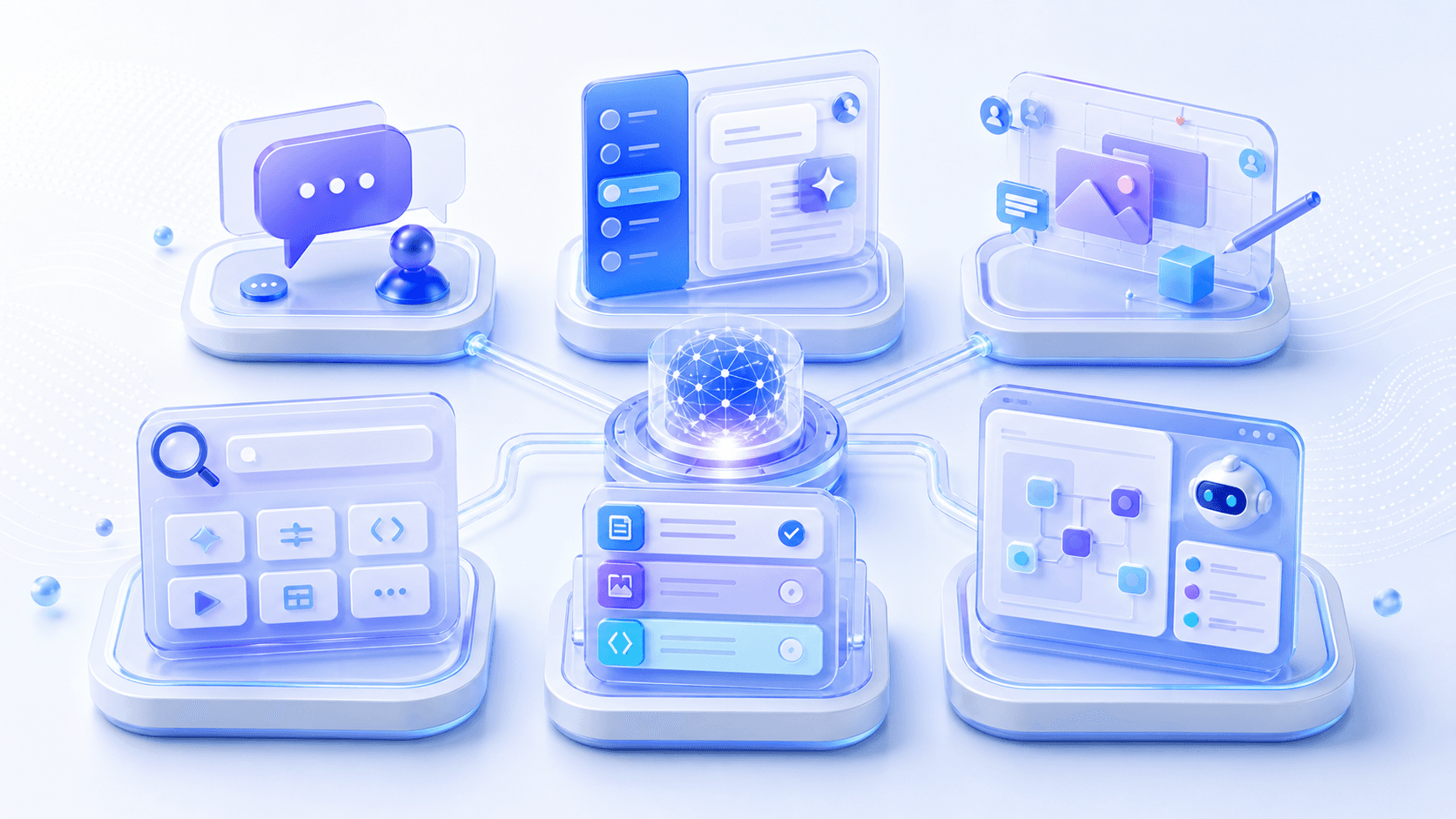
Because ChatGPT succeeded so visibly, many people assume AI products should look like chat.
But chat is only one pattern.
More importantly, different tasks need different interfaces.
1. Conversation Is Good for Exploration and Clarification
Conversation works well when:
The need is unclear.
The user needs to express ideas gradually.
The system needs to ask follow-up questions.
The answer can be consumed as natural language.
Examples include consulting, explanation, brainstorming, learning, and lightweight analysis.
2. Copilot Is Good for Enhancing an Existing Workflow
Sidebars, overlays, shortcuts, and inline suggestions work when the user is already doing something.
For example:
Polish a paragraph inside a document.
Explain a function inside code.
Summarize customer status inside a CRM.
Generate a formula inside a spreadsheet.
The user does not need to leave the current context.
AI simply speeds up the current workflow.
3. Canvas Is Good for Co-creating Complex Artifacts
When the artifact is long, structured, and repeatedly edited, pure chat becomes inefficient.
A canvas is often better.
For example:
Writing a report
Preparing a proposal
Editing a web page
Designing a flowchart
Generating a data dashboard
Conversation handles intent and feedback. The canvas holds the artifact.
4. Workflow / Agent Interfaces Are Good for Multi-step Tasks
When a task requires reading data, calling tools, waiting for results, retrying, approval, and delivery, the interface cannot remain only a chat window.
It needs to show:
Plan
Steps
State
Intermediate results
Failure reasons
Next actions
Pending user confirmations
This is more like a task console than a chat window.
So the first principle for choosing an interface is not “which one feels most AI.”
It is:
What visibility, editability, and control does the user's task require?8. Feedback Loops: AI Products Must Learn from Real Tasks
Traditional products also need analytics.
But feedback loops are even more important in AI products.
The reason is that the question is often not “was the feature clicked?”
It is:
Did the model understand the task correctly?
Was the context assembled well?
Was the output accepted by the user?
Did the tool call succeed?
Did the user need heavy editing?
Which task types fail frequently?
Which failures come from the model, and which come from product flow?
So AI native products cannot only look at ordinary metrics:
DAU
Retention
Click-through rate
Session count
They also need task-level metrics:
Task completion rate
Output acceptance rate
User edit rate
Regeneration rate
Human takeover rate
Undo after confirmation rate
Cost per successful task
Time from goal to delivery
Failure reason distribution
High-risk action block rate
These metrics help teams answer:
Is the model too weak?
Is context poor?
Are tools too slow?
Is the task boundary too broad?
Do users not know how to control the system?
Is the product failing to show enough evidence?
More importantly, real task feedback should enter the evaluation set.
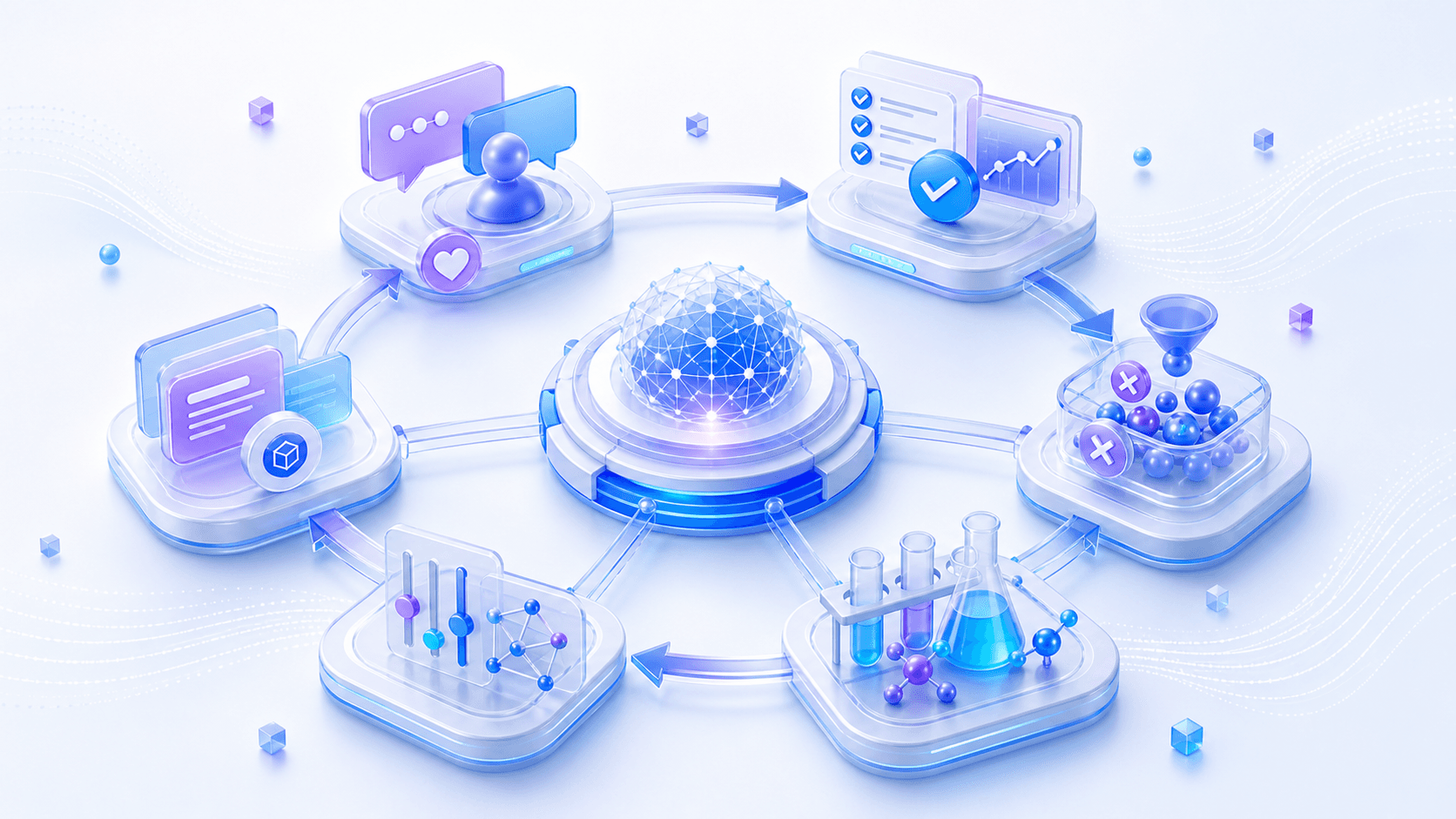
In other words, AI products should turn online failures into offline tests:
Collect failure samples.
Label expected outcomes.
Reproduce context.
Test different models, prompts, retrieval, and tool strategies.
Add fixed cases to regression evaluation.
This moves AI product iteration from “tuning prompts by feel” toward “iterating a system based on task samples.”
The object of iteration is not only the interface.
It also includes:
Model choice
Prompts
Context assembly
Tool schemas
Retrieval strategy
Confirmation flow
Failure fallback
Evaluation samples
This is one reason AI native product teams differ from traditional product teams.
They are not only optimizing a funnel.
They are also optimizing an intelligent system that generates, acts, fails, and gets evaluated.
9. Common Misconceptions
Misconception 1: AI Native Means Chat
Chat is only an input mode.
The essence of AI native products is the shift from feature operation to goal-directed tasks.
If AI cannot access context, participate in workflows, or deliver task outcomes, it is more like an embedded Q&A entry point than a new product paradigm.
Misconception 2: If the Model Is Strong Enough, Product Design Stops Mattering
The stronger the model, the more it can do.
But the more it can do, the more boundaries, permissions, control, validation, and recovery matter.
A strong model does not automatically create a good experience.
It makes the product design problem larger.
Misconception 3: Uncertainty Should Be Completely Hidden
Users do not need to see model probabilities.
But they do need to know which results are facts, which are inferences, and which require confirmation.
Good products do not hide uncertainty.
They translate uncertainty into the right prompts, evidence, confirmations, and fallbacks.
Misconception 4: Users Want Full Automation
Users do not simply want full automation.
They want less effort without losing control.
Automation is valuable for low-risk, reversible, repetitive tasks.
For high-risk, irreversible, responsibility-heavy tasks, preview, confirmation, and approval matter more.
Misconception 5: The Prompt Is the Product Spec
Prompts matter, but they are not a complete product spec.
An AI product also needs a context strategy, tool protocols, permission rules, output structure, evaluation samples, monitoring metrics, and failure handling.
If the prompt is treated as the whole product, the result is often a demo that is hard to reuse reliably.
10. Product and Engineering Implications: The AI Native Product Stack

If we compress this post into a product stack, an AI native product roughly has six layers:
Experience layer: goal expression, preview, editing, confirmation, undo, takeover
Orchestration layer: task decomposition, plans, state, workflows, agent loops
Context layer: files, memory, RAG, user preferences, business data, permissions
Tool layer: APIs, databases, search, code execution, messaging, approval systems
Model layer: model choice, routing, prompts, structured outputs, cost control
Governance layer: safety, audit, evaluation, monitoring, logs, compliance, fallback
Traditional software also has experience, data, and business-logic layers.
But AI native products add several key shifts:
Tasks are no longer fully decomposed by the user.
The interface is not only what users see, but also what the model sees.
Outputs are not inherently deterministic, so they need validation and evidence.
Actions are not only triggered by buttons, but may be planned by the model.
Failures are not only API errors, but also misunderstanding, retrieval failure, tool failure, and judgment failure.
Evaluation is not only functional testing, but also real task-sample testing.
So product managers, designers, and engineers have to ask new questions.
Product managers ask:
Which goals are users willing to delegate to the system?
Which tasks are worth AI involvement?
What does success mean?
Which failures are acceptable, and which are not?
When does a human need to confirm?
Designers ask:
How do users express intent?
How does the system show context and evidence?
How do users preview, edit, confirm, undo, and take over?
How should uncertainty be presented?
How should long-running task progress be shown?
Engineers ask:
How is context assembled?
How are tools called safely?
How are outputs structured and validated?
How do routing and fallback work?
How is the task trace recorded?
How is online quality evaluated?
How is cost per successful task controlled?
Together, these questions are AI native product design.
11. One-Sentence Summary
AI native product design is not adding a chatty entry point to software.
It is putting an LLM, a probabilistic generation system, inside a product system with boundaries, context, control, validation, and feedback loops, so users can delegate goals while still understanding, confirming, and taking over at the right moments.
In one sentence:
The essence of AI native product design is turning probabilistic capability into reliable experience.12. Three Questions You Should Be Able to Answer
After reading this post, try answering these in your own words:
- Why is an AI-native product not simply software with a chatbox added?
- What does “probabilistic core, reliable shell” mean for product design?
- Why are control, context, validation, and feedback loops part of AI product experience?
In the next post, we will move to the business layer: when AI products no longer merely sell software seats and instead get closer to delivering outcomes, what happens to SaaS business models, pricing, and organizational boundaries?